
YouTube is the largest online video platform with over 2billion people ever month
The main reason why people like YouTube is that it gives you freedom that you can perform and upload any video .There are no charges to post a video in YouTube.
The are two types of people in YouTube
1: The creators
2:Bussiness owners
The creators artist can create all sorts of video, examples entertainment ,lifestyle and sports
Bussiness owners are people who want to join the online marketing .This means that they want to promote their business by use of YouTube
How to create a YouTube channel
I will show you in the below 4 steps
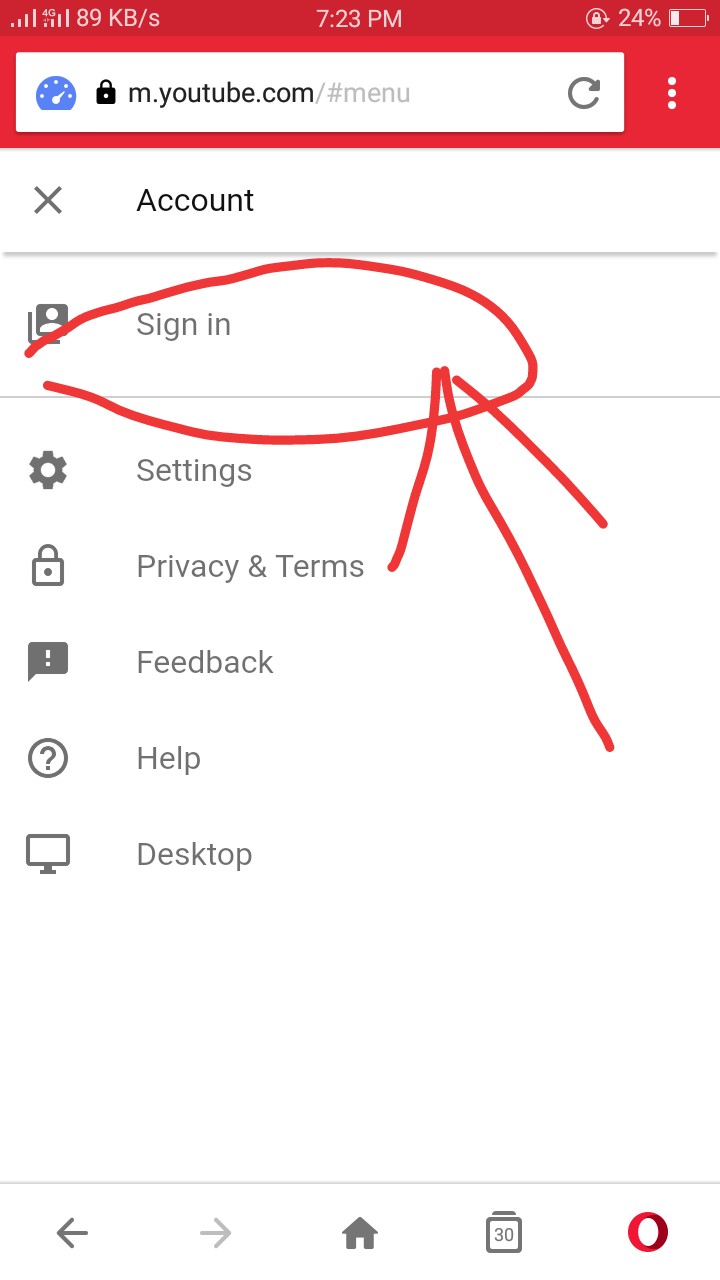
1:Sign in using a gmail account. Visit http://www.youtube.com and at the right corner on top of your screen click sign up
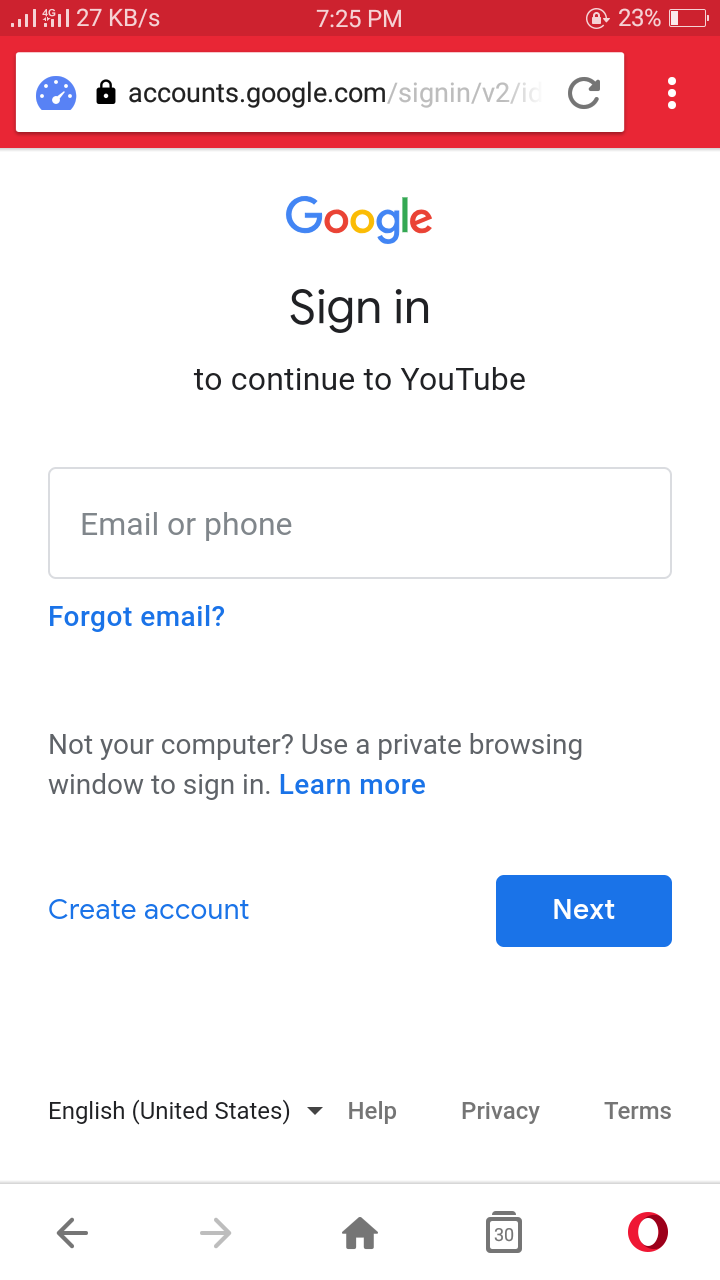
Log in using your google account
Go to settings and on the right side of the screen click the profile icon then click setting

2:Create your channel First you need to choose an appropriate channel name.Then next below the setting icon,click create a channel
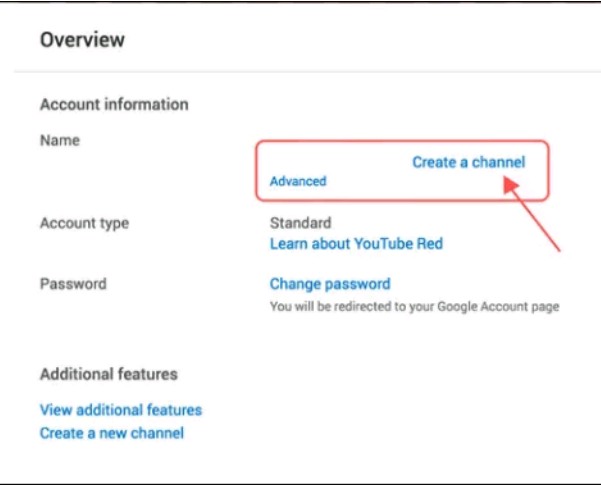
You will be asked whether it’s a bussiness channel or a personal channel .Choose any of those two above then name the channel and choose the right category

Then click done,that all your YouTube channel has been created successfully.
3:Creating the best channel icon
Icon is the picture that appears next to your videos on YouTube watch pages. You have to choose something that really looks good since they reflects your channel .
You can insert an icon by going to your channel’s homepage and clicking on the round image on the left side of your channel’s name.
4:Choose best channel art
This is the most important thing in your channel .
Channel art is just like Facebook cover photo placed at the very prominent location of the screen.
It will tell about your personality and help building a brand name.
Do not forget to add links to other social media platforms and to your website at the bottom right of the channel art.
:(i) How to set channel art?
While setting up the channel you will notice the channel art space on the top with a button saying “Add channel art”. Just click there and add your image.
You’re done! Your new YouTube channel is ready.
Create a YouTube channel and start uploading videos
 Moneycodewin